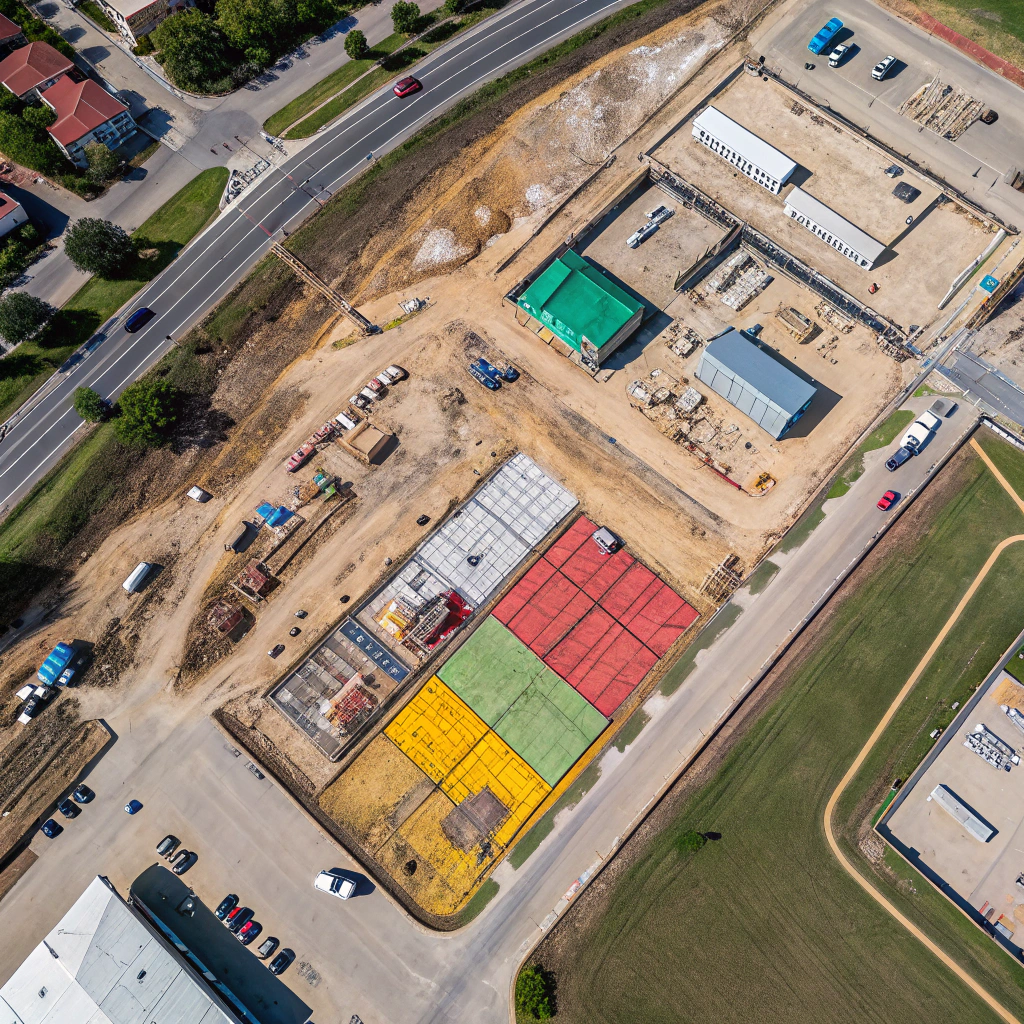
Building Information Modeling (BIM) is the backbone of modern construction design, coordination, and management. Adding accurate, up‑to‑date aerial imagery and 3D point clouds enriches BIM models with real‑world context, reducing guesswork and rework. SkyMetrics specializes in delivering drone data that integrates seamlessly into leading BIM platforms such as Autodesk Revit, Navisworks, and Bentley OpenBuildings.
Why Aerial Data Improves BIM
Traditional BIM starts with design drawings that may not reflect site conditions. Drone‑captured orthophotos and LiDAR point clouds provide:
- Accurate Site Topography: A DTM derived from LiDAR anchors the model to the real terrain.
- Existing Structure Documentation: High‑resolution imagery records the as‑built state of existing buildings, utilities, and landscape features.
- Clash Detection: Overlaying point clouds helps identify conflicts between proposed elements and existing infrastructure.
Data Formats for BIM Integration
We deliver datasets in formats optimized for BIM workflows:
- GeoTIFF Orthomosaics: Georeferenced image files that can be draped over the model terrain.
- RCM (ReCap) Files: Point clouds compatible with Autodesk Recap for conversion into .rcp or .rcs files.
- IFC 4: Industry Foundation Classes files that embed georeferenced geometry directly into BIM environments.
Step‑by‑Step Integration Process
1. Data Capture
Our pilots execute a detailed flight plan covering the entire project footprint. For BIM purposes, we prioritize overlap of 80% and a GSD of 1–2 cm for imagery, and a point density of 10 points per square cm for LiDAR.
2. Processing and Alignment
Using photogrammetry software (Pix4D, Agisoft Metashape) and LiDAR processing tools (TerraScan), we generate orthomosaics, 3‑D meshes, and DEMs that are all georeferenced to the same coordinate system (typically NAD83 or WGS84).
3. Export to BIM
The datasets are exported to Revit or Navisworks via the following workflow:
- Import the GeoTIFF as a raster overlay in Revit using the “Insert > Image > Image by Reference” command.
- Import the .rcp point cloud into Navisworks, aligning it with the project coordinates.
- Attach the IFC model to embed geospatial data directly into the BIM environment.
4. Model Enrichment
Design teams can now reference real‑world terrain, verify building footprints, and perform clash detection against existing utilities captured in the point cloud.
Benefits Realized by Clients
Reduced Rework
A major infrastructure firm used drone‑derived terrain data to adjust their bridge column placements before construction, saving $250,000 in change orders.
Accelerated Design Review
By providing a visual orthophoto overlay, a stadium renovation project shortened stakeholder review cycles from weeks to days.
Improved Stakeholder Communication
Clients appreciated the ability to walk through a 3‑D model with real‑world imagery, fostering better understanding of design intent.
Best Practices for Seamless Integration
- Agree on a common coordinate system early in the project.
- Maintain clear naming conventions for files to avoid confusion.
- Schedule regular data handover meetings to ensure the BIM team receives updated datasets as the project evolves.
Get Started with SkyMetrics
Contact our BIM integration specialists to discuss your upcoming project. We’ll develop a customized flight and delivery plan that aligns with your design software and timeline.
Keywords: aerial imagery, BIM integration, drone point cloud, orthomosaic, construction modeling